Trusted by local business to billion dollar brands.
Click Road provides business process automation services for Australian businesses that need less manual admin, faster follow-up and clearer handovers. We map how work moves through your team, simplify the process and connect the systems you already use.
Our work spans Steinbok’s sales process, Found HQ’s enquiry journey and Atlantic Plumbing’s high-volume job administration. We combine CRM, monday.com, Zapier and compatible APIs around the outcome your business needs.


The goal isn't to add more software. It's to create a simpler process where information reaches the right person or system automatically.
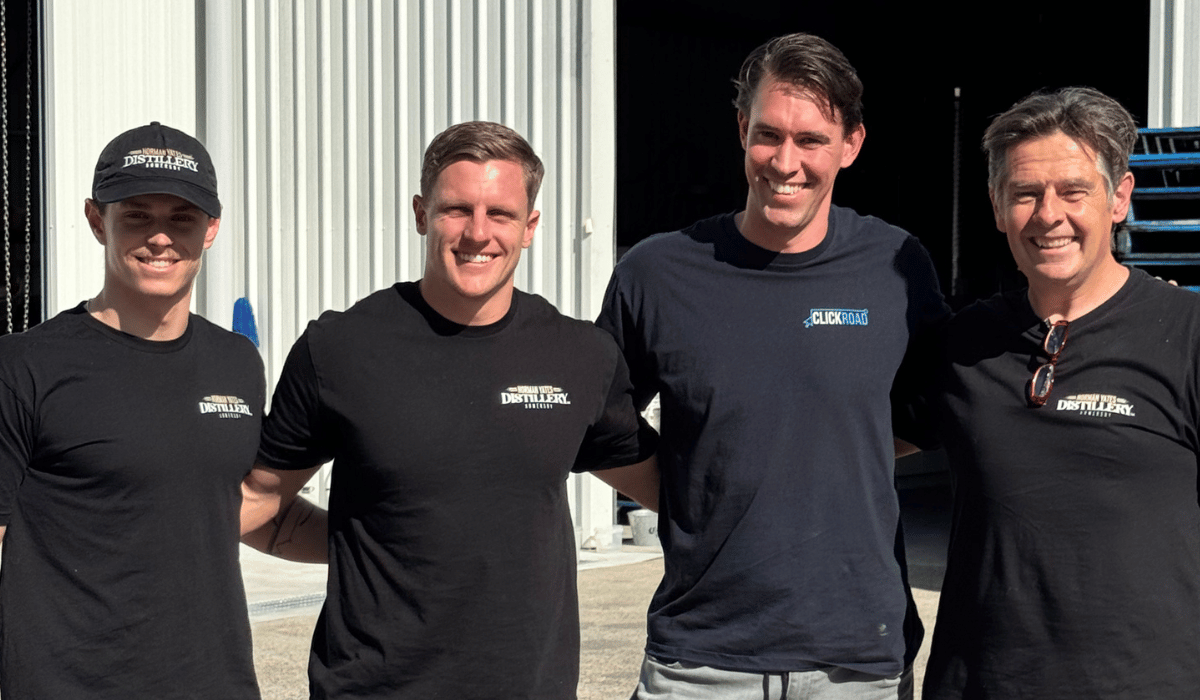
Highest sales month around 12 months later
The challenge: Customer records, sample packs and follow-ups were spread across spreadsheets.
What we built: We mapped the journey from prospect to sample delivery and sales follow-up, then built a custom monday.com CRM around it. Zapier connects communications, delivery tracking and call scheduling, while dashboards make the pipeline visible.
The result: Approximately 12 months later, Steinbok recorded its highest sales month, supported by better customer data and more consistent follow-up.
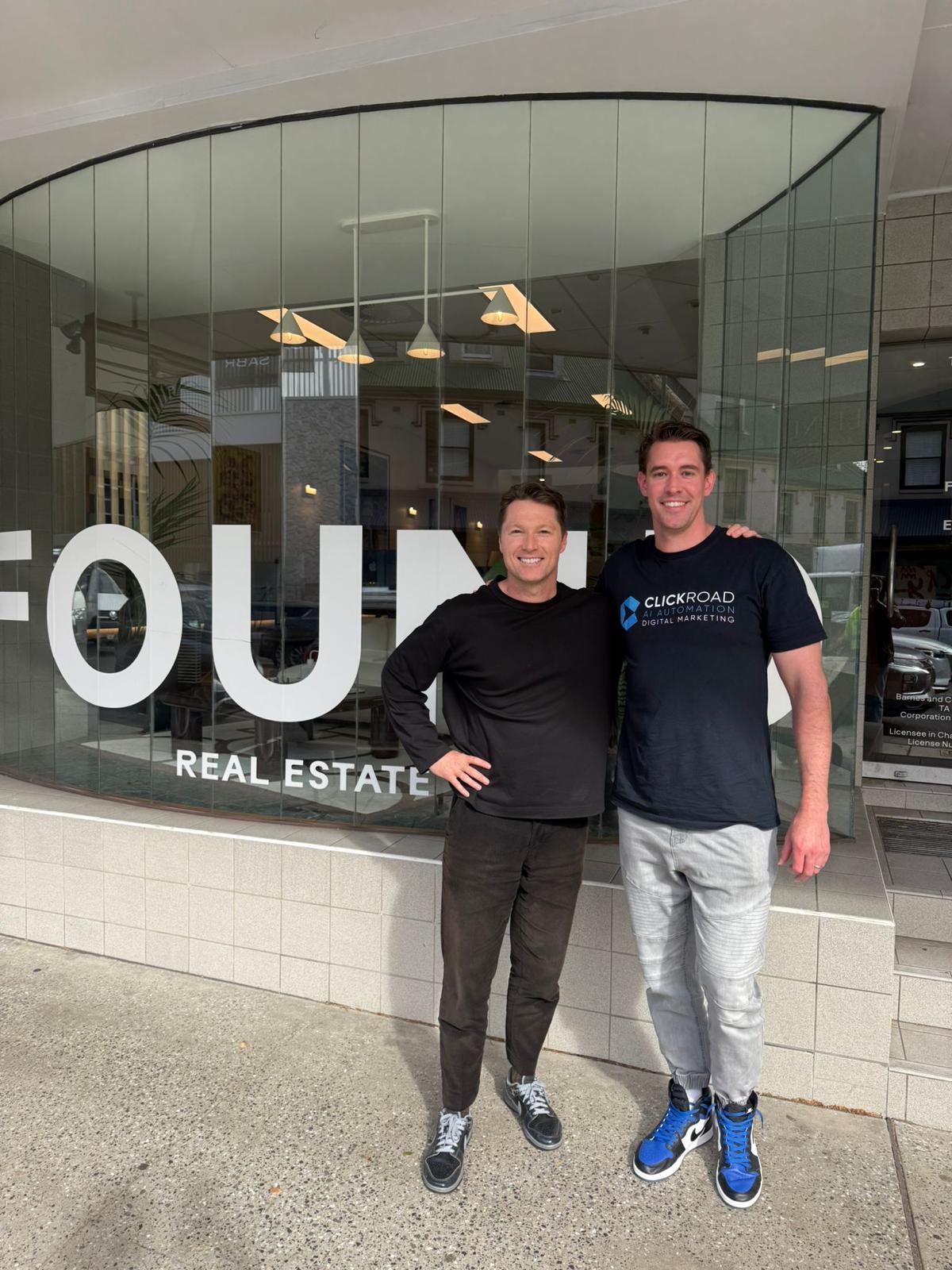
14 form questions reduced to five
The challenge: A long enquiry form created friction, while valuable opportunities could stay hidden in the inbox.
What we built: We simplified the enquiry form from 14 questions to five, then connected enquiry routing, personalised SMS and buyer analysis through Zapier and Rex. The process helps identify buyers who also need to sell or arrange property management.
The result: A faster enquiry experience, automatic routing and clearer lead priorities, with a process designed to uncover additional revenue opportunities.
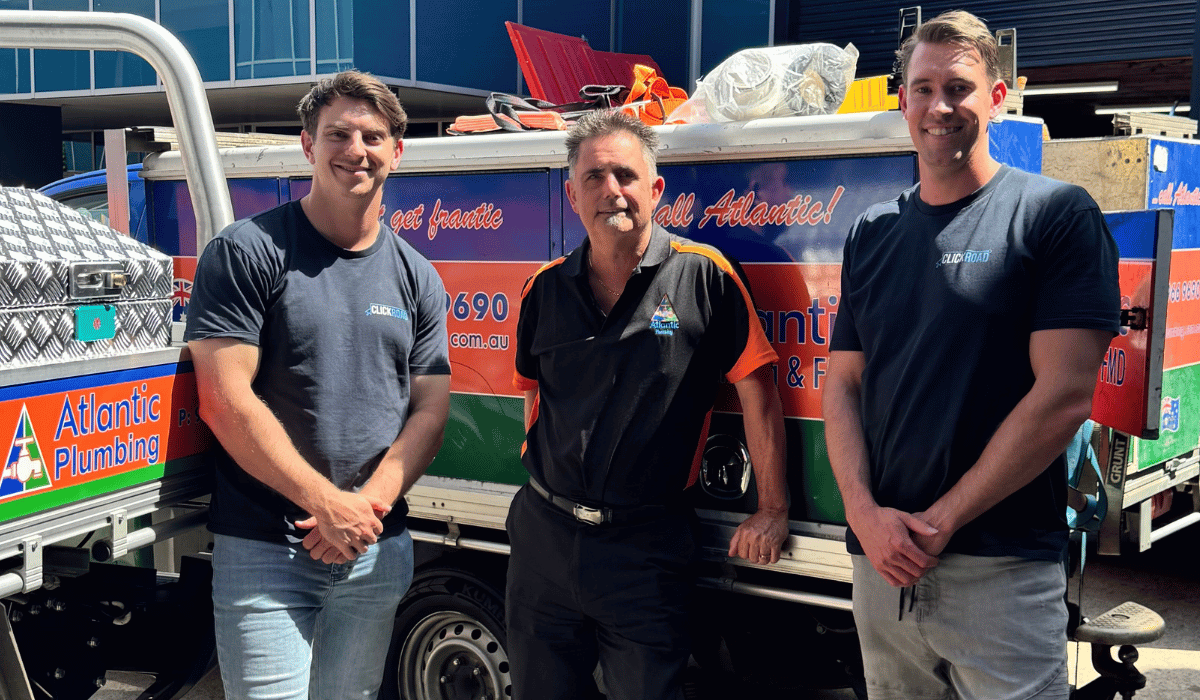
An operation handling 10,000+ jobs a month
The challenge: Small manual tasks across scheduled and reactive jobs created a substantial administrative workload.
What we built: We connected repetitive job-administration steps through AroFlo and custom API workflows in Zapier. Job creation, tasks, file uploads, notifications and job-data updates can move through a connected process.
The result: Less repetitive administration and more capacity for the team in a high-volume operation.
Manual processes often grow quietly.
One person receives an enquiry. Another copies it into a spreadsheet. Someone forwards an email. A manager assigns a task. A salesperson updates the CRM. Operations then re-enters the same information somewhere else.
None of those steps seems huge by itself, but repeated hundreds or thousands of times they create cost, delay and opportunities for mistakes.
Click Road maps those workflows and identifies where automation, integration, AI or better system design can remove unnecessary handling. If your process is already clear and the main problem is connecting apps, our Zapier consulting and integration services can help with the implementation.
Business process automation is usually most valuable where repetitive actions happen at scale.
Customer, job or sales information is repeatedly copied between forms, email, spreadsheets, CRM and operational systems.
Work waits because one team needs to manually notify another before the next step can begin.
Important reminders and customer actions rely on individual staff members remembering what needs to happen next.
Information exists in multiple systems but does not move between them without manual intervention.
Important requests and tasks live inside shared inboxes with limited visibility into status, ownership or completion.
Staff repeatedly read similar information, classify it and then make the same predictable workflow decision.
One automation might save a few minutes. A connected process can change how the whole team operates.
We look at what happens before and after each action so the workflow can move from one stage to the next with less manual coordination.
Connected workflows spanning sales, customer service, administration and operations.
Automatically capture enquiries and route them to the correct salesperson, branch, service team or pipeline.
Create opportunities, update stages, assign tasks, trigger reminders and automate appropriate customer follow-up.
Build connected monday.com workflows around jobs, projects, requests, approvals, delivery and internal processes.
Connect supported applications so information and workflow actions move automatically between systems.
Use AI to interpret, classify and extract information when a process requires more than simple rule-based automation.
Build structured forms that route requests, trigger workflows and collect the information required for the next stage.
Trigger suitable customer acknowledgements, reminders, notifications and follow-up communications from workflow events.
Connect suitable call outcomes with CRM, booking, lead routing and internal business workflows.
Reduce duplicate entry by moving selected customer, job and workflow data between compatible systems.
Design multi-step automation around business-specific processes where off-the-shelf templates are not enough.
Business process automation often works best when several systems each perform the job they are good at.
Understand the current workflow, people, systems, inputs, decisions, handoffs, bottlenecks and repetitive administration.
Remove unnecessary steps and clarify responsibilities before introducing more automation or technology.
Connect systems and build workflow rules, AI processing, notifications, integrations and automated actions.
Test the process in real use and refine the workflow as new bottlenecks and automation opportunities become visible.
The best starting point is a repeatable process with clear volume, measurable effort and a practical path to improvement.
Record how often the task happens, how long it takes and where rework occurs. Monthly hours released = tasks per month × minutes saved per task ÷ 60.
Include process mapping, integration, testing and training, plus ongoing software usage and support. Agree the scope before comparing the cost with the expected benefit.
Measure the time released, fewer errors and any additional gross profit. Separate productive capacity from cash savings, then compare actual benefits with the total cost.
Click Road is based in Tuggerah on the NSW Central Coast and provides business process automation, workflow automation and systems integration for businesses across the Central Coast, Sydney, Newcastle, the Hunter Region and throughout Australia.
We work with businesses that want to reduce repetitive administration, connect disconnected systems and build clearer processes across sales, customer service and operations.

Based in Tuggerah, we help businesses across Gosford, Erina, Wyong, Terrigal and the wider Coast. Explore our Business Process Automation Central Coast service for the local approach, scope and frequently asked questions, or browse all Central Coast services.
Working with ambitious Australian businesses
Tell us what is getting in the way. We will email you a link to book a call and work through the next steps together.