
Trusted by local business to billion dollar brands.
Click Road designs business process automation for Sydney teams that have outgrown spreadsheets, inboxes and disconnected systems. We connect enquiries, quoting, jobs and reporting so information moves with the work and your people can focus on the decisions that need them.






If a team member has to copy a customer record into three places, chase an approval and rebuild a report every week, the issue is usually the way the systems work together. Adding another subscription can leave those handovers untouched.
We map the real process with the people doing the work: what starts it, which information is required, who owns the next step and where exceptions occur. Then we choose the simplest useful automation and test it against real scenarios.
Explore our business process automation service or broader Sydney support.
Create consistent CRM records from forms and enquiries, assign the right owner and notify the team. Keep the source, service and next action visible without rekeying the same details.
Connect the information needed to prepare a quote, request approval and track its status. Keep commercial decisions with the right people while reducing manual preparation.
Trigger tasks, reminders and document handovers from agreed milestones. Make it clear when work is ready, who is responsible and which information is missing.
Bring operational information into useful dashboards and pass approved data between systems. Reduce spreadsheet reconstruction and check that the same customer or job is not created repeatedly.
TerraQuip’s quoting involved spreadsheets, stock checks, exchange rates and movement between systems. We built a monday.com workflow connecting inventory, quoting and equipment sales, with Zapier handling calculations and data movement.
Xero integration and stock updates on quote acceptance brought the next steps together. The published case study describes a process that could take one to two days happening in minutes.
At more than 10,000 jobs a month, small manual tasks added up for Atlantic Plumbing. We worked with AroFlo and custom API workflows through Zapier to create jobs and tasks, upload files, transfer information, trigger notifications and update job data.
The lesson is practical: the integration must fit the work. Where a standard connector cannot cover a useful step, we assess the available API and build only what the workflow needs.
See our AroFlo support, monday.com services and Zapier automation.
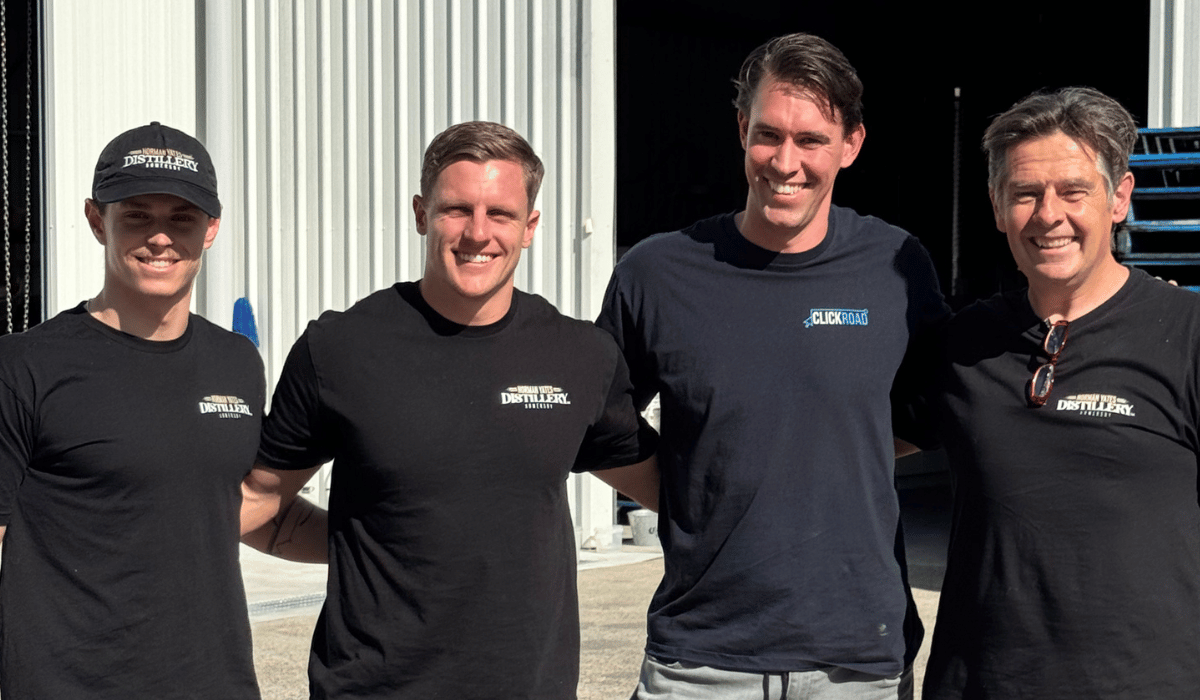
We support Sydney businesses remotely from our Tuggerah office, with the scope shaped around your operation rather than a fixed bundle of apps. Bring us one frustrating process and we will help identify a sensible starting point.
Working with ambitious Australian businesses


Tell us what is getting in the way. We will email you a link to book a call and work through the next steps together.