
CUSTOM CRM SYSTEMS

CRM Systems That Stop Leads Falling Through the Cracks

Capture Every Lead. Follow Up Properly. Know What's Happening.

Click Road designs and implements custom CRM systems for Australian businesses that need a clearer way to manage leads, sales pipelines, customer communication, follow-up, quoting and reporting.

Instead of forcing your team into a generic template, we build the CRM around the way your business actually sells and operates.
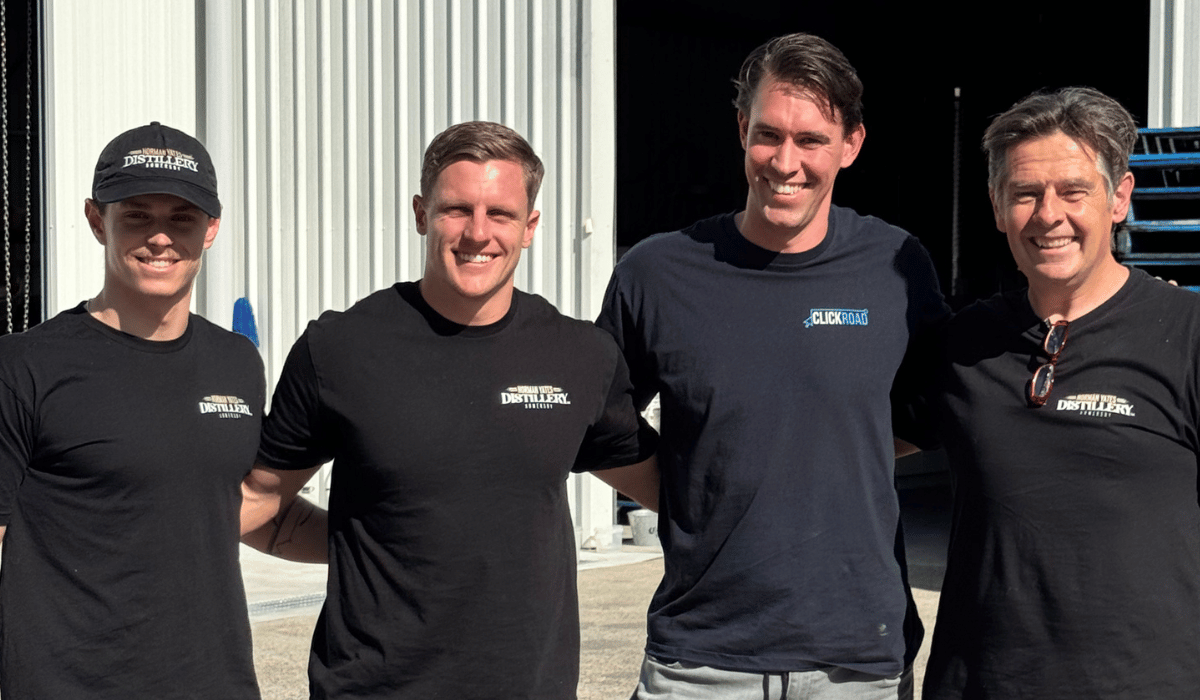
Click Road custom CRM system implementation for an Australian business

If leads are sitting in inboxes, spreadsheets, notebooks and people's heads, you don't have a sales system. You have a risk.

YOUR SALES SYSTEM

A CRM Should Make Selling Easier, Not Create More Admin.

The purpose of a CRM is not to create another piece of software for your team to update.

A good CRM should give your business one clear place to understand where leads came from, who owns them, what stage they're at, when they were last contacted and what needs to happen next.

It should also automate the repetitive work around that process, including lead capture, task creation, reminders, follow-up, internal notifications and reporting.

Click Road designs the sales process first, then uses the right CRM and integrations to make that process easier to follow.

SIGNS YOU NEED A BETTER CRM

Leads Shouldn't Depend on Someone Remembering.

If these problems sound familiar, the issue is often the system rather than the people using it.

01

Leads Live in Inboxes

New enquiries arrive through email but there is no reliable way to see who is responsible or whether the opportunity has been worked.

02

Spreadsheets Run Sales

Different staff members maintain different sheets, making pipeline visibility and reporting inconsistent.

03

No Consistent Follow-Up

Some leads receive excellent attention while others quietly disappear because nobody is prompted to contact them again.

04

No Clear Pipeline

Management cannot quickly see which opportunities are new, quoted, waiting, won or lost.

05

Duplicate Data Entry

Staff repeatedly copy customer information between forms, email, spreadsheets and other business systems.

06

No Useful Sales Reporting

You know how many enquiries arrived, but not which lead sources, salespeople or follow-up processes actually produced revenue.

Click Road custom CRM workflow and sales automation implementation with client
CRM + AUTOMATION

Your CRM Should Do More Than Store Contact Details.

A properly designed CRM can actively help your sales team work opportunities instead of simply recording what already happened.

Click Road can automate repetitive actions throughout the sales journey while keeping your team in control of the parts that require human judgement.

  • Automatically capture website enquiries
  • Create leads from advertising campaigns
  • Assign leads to the right salesperson
  • Trigger instant customer acknowledgements
  • Create follow-up tasks and reminders
  • Move opportunities through sales stages
  • Send automated email and SMS sequences
  • Alert staff when leads go untouched
  • Track lead source and campaign information
  • Generate sales dashboards and reports
CRM IMPLEMENTATION SERVICES

What Click Road Builds.

A CRM system designed around the actual journey from new enquiry to customer.

LEAD CAPTURE

Lead Management Systems

Capture enquiries from websites, advertising, email and other sources into one structured sales environment.

PIPELINES

Custom Sales Pipelines

Build stages around your actual sales process so everyone understands where each opportunity sits and what should happen next.

FOLLOW-UP

Automated Sales Follow-Up

Create structured reminders, tasks, emails and SMS workflows so valuable enquiries do not disappear after the first contact.

LEAD ROUTING

Automatic Lead Assignment

Route opportunities to the correct salesperson, branch, service team or region based on the information supplied by the customer.

QUOTING

Quote & Opportunity Workflows

Build processes around quotes, approvals, reminders and customer follow-up so opportunities move consistently toward a decision.

COMMUNICATION

Email & SMS Integration

Connect customer communication with the CRM so conversations and automated messages form part of the wider sales journey.

REPORTING

Sales Dashboards

Give managers visibility into pipeline value, lead sources, sales activity, conversions and opportunities requiring attention.

INTEGRATION

CRM Integrations

Connect your CRM with forms, advertising platforms, accounting software, operational tools, Zapier and compatible APIs.

AI

AI-Assisted CRM Workflows

Use AI where appropriate to analyse enquiries, generate communications, classify information and support automated sales processes.

CUSTOMER DATA

Customer & Account Management

Build a reliable customer record that gives your team better visibility into relationships, activity, opportunities and ongoing work.

FROM LEAD TO CUSTOMER

Build the CRM Around Your Sales Journey.

The software should reflect how your business actually wins work.

A service company might move from enquiry to site visit, quote and approval. A B2B team might require qualification, meetings, proposals and multiple decision-makers. A multi-location business may need enquiries automatically routed between branches.

Those are different sales processes, so they should not be forced into the same generic pipeline.

Our approach: map the customer journey first, remove unnecessary steps, decide what should be automated and then configure the technology around that process.
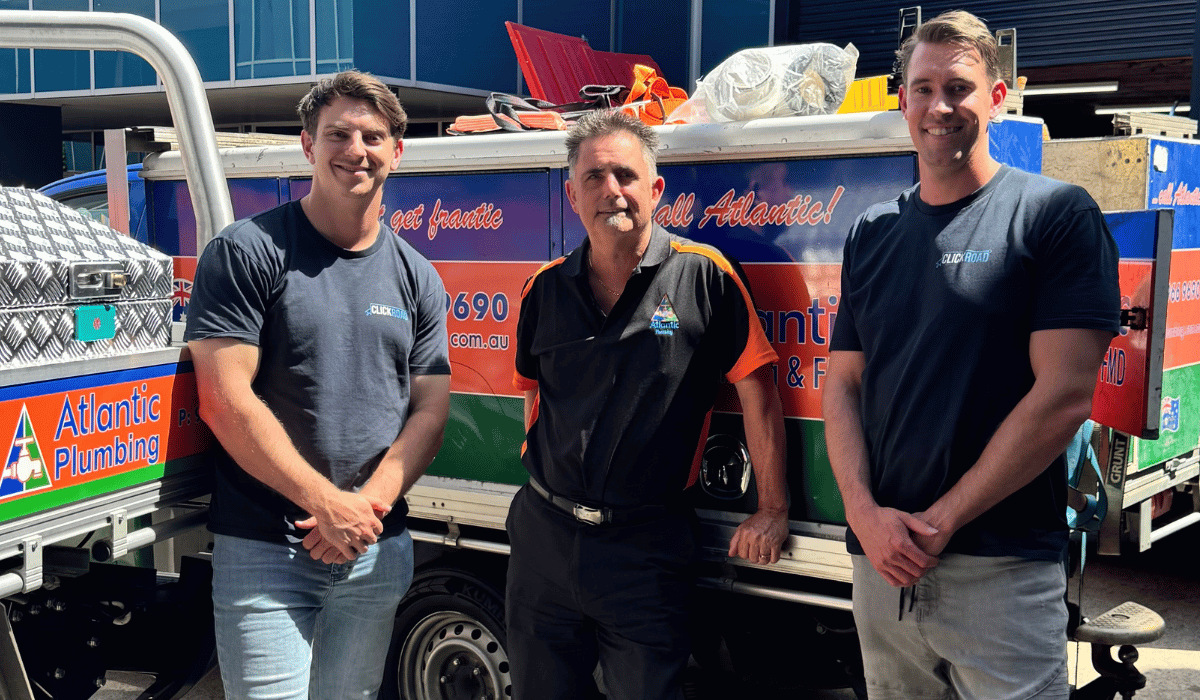
Click Road CRM automation and customer sales journey implementation
OUR CRM PROCESS

Process First. Software Second.

01

Map

Understand where leads originate, how they are qualified, who owns them and what currently happens from enquiry to sale.

02

Design

Define pipelines, fields, stages, responsibilities, automation rules, reporting requirements and integrations.

03

Build

Configure the CRM, workflows, forms, notifications, automations, dashboards and connected systems.

04

Improve

Refine the system using real team feedback, sales data and the opportunities identified once the CRM is in daily use.

CRM TECHNOLOGY

We're Not Here to Force One Platform on Every Business.

The right CRM depends on your workflow, team, existing technology and what the system actually needs to achieve.

monday.com CRM

Flexible CRM and work management systems for teams that need sales, operations and project workflows to work together.

Marketing CRM Systems

CRM environments suited to enquiry capture, pipeline management, appointment booking, SMS, email and automated lead nurture.

Existing CRM Improvement

Where the platform is already appropriate, we can improve the process, automation and integrations rather than replacing useful software.

CRM CONSULTING AUSTRALIA

CRM Implementation From the Central Coast to Australia Wide.

Click Road is based in Tuggerah on the NSW Central Coast and provides CRM implementation, CRM automation and sales system consulting for businesses across the Central Coast, Sydney, Newcastle, the Hunter Region and throughout Australia.

We work with growing local businesses as well as larger teams that need more structured sales processes, automation, lead routing, reporting and system integration.

CRM Central Coast CRM Consultant Sydney CRM Newcastle CRM Implementation Australia Sales Automation
Click Road CRM implementation and sales automation team in Tuggerah Central Coast NSW
CRM FAQ

CRM Implementation & Sales System Questions.

What is a CRM system?
CRM stands for customer relationship management. A CRM system gives a business a structured place to manage customer and prospect information, sales opportunities, communication, tasks, pipelines and other activity related to customer relationships.
What does CRM implementation involve?
CRM implementation can include mapping the sales process, configuring pipelines and stages, creating fields, importing customer data, connecting lead sources, building automation, designing dashboards and integrating the CRM with other business software.
Can Click Road build a custom CRM?
Yes. Click Road designs CRM environments around the actual workflow of the business, including lead capture, sales pipelines, qualification, follow-up, communication, reporting and integration requirements.
Can website leads automatically go into the CRM?
Yes. Website forms can be integrated with compatible CRM systems so new enquiries automatically create contact or opportunity records and trigger appropriate sales workflows.
Can Google Ads and Meta Ads leads go directly into our CRM?
Yes. Click Road can connect paid lead generation channels with CRM systems so advertising enquiries can be recorded, attributed, assigned and followed up through a structured sales process.
Can a CRM automatically follow up leads?
Yes. Depending on the platform and process, CRM workflows can create reminders, trigger emails or SMS messages, schedule tasks, notify salespeople and move opportunities through defined stages automatically.
Can Click Road integrate a CRM with other software?
Yes. Click Road can use native integrations, Zapier, webhooks and APIs where supported to connect CRM systems with forms, websites, accounting tools, operational platforms and other business software.
Do we need to replace our current CRM?
Not necessarily. If the existing CRM is suitable but poorly configured, it can often be improved through better pipelines, automation, integrations, reporting and user workflows instead of replacing the platform entirely.
Can you migrate data from spreadsheets into a CRM?
In many cases, yes. Existing spreadsheet or system data can be reviewed, cleaned and imported into the new CRM where the destination platform supports the required fields and formats.
Can Click Road build sales dashboards?
Yes. CRM projects can include dashboards showing information such as new leads, pipeline value, sales stages, lead sources, activity levels, conversion outcomes and opportunities requiring attention.
What CRM is best for a small business?
There is no single CRM that is best for every small business. The right platform depends on the sales process, team size, communication requirements, integrations, reporting needs, budget and the level of automation required.
What is the difference between a CRM and marketing automation?
A CRM primarily manages customer relationships and sales opportunities, while marketing automation focuses on automatically delivering communications and actions based on customer behaviour or workflow rules. Modern systems often combine elements of both.
Can AI be integrated into a CRM?
Yes. Depending on the platform and use case, AI can support tasks such as enquiry classification, information extraction, communication drafting, lead qualification and workflow automation.
TALK TO CLICK ROAD

Is Your Sales Process Harder Than It Should Be?

Let's map it properly.
Tell us how leads currently arrive, who handles them and where opportunities tend to get lost.

5/3 Bounty Close,
Tuggerah NSW 2259 Australia