
Click Road helps Australian trade and service businesses extend AroFlo with practical integrations, custom API workflows and automation. We connect job information, tasks, files and notifications around the way your operation works.

Connect your job system with the information and people that keep work moving.
AroFlo can manage a substantial part of the job lifecycle. Our role is to address the gaps between AroFlo and your other systems, especially where staff still copy information, upload the same files or manually trigger the next step. We review the native options first, then scope custom work where it adds value.
We work across CRM systems, Zapier integration and business process automation. That lets us consider the full handover rather than treating your job software as an isolated tool.
Each project is scoped around your systems, available access and the workflow your team needs.
Identify repeated administration across your AroFlo process and assess what can be handled natively before specifying custom work.
Connect the systems your business already uses where supported APIs provide the access needed for the agreed process.
Build defined workflows for creating jobs and tasks from approved source information, with clear rules for required fields.
Connect relevant files to the workflow so job information can move with the work instead of being uploaded repeatedly.
Trigger useful team notifications and transfer or update job information where the integration supports it.
Test normal and exception cases, document dependencies and agree a practical support and maintenance approach.
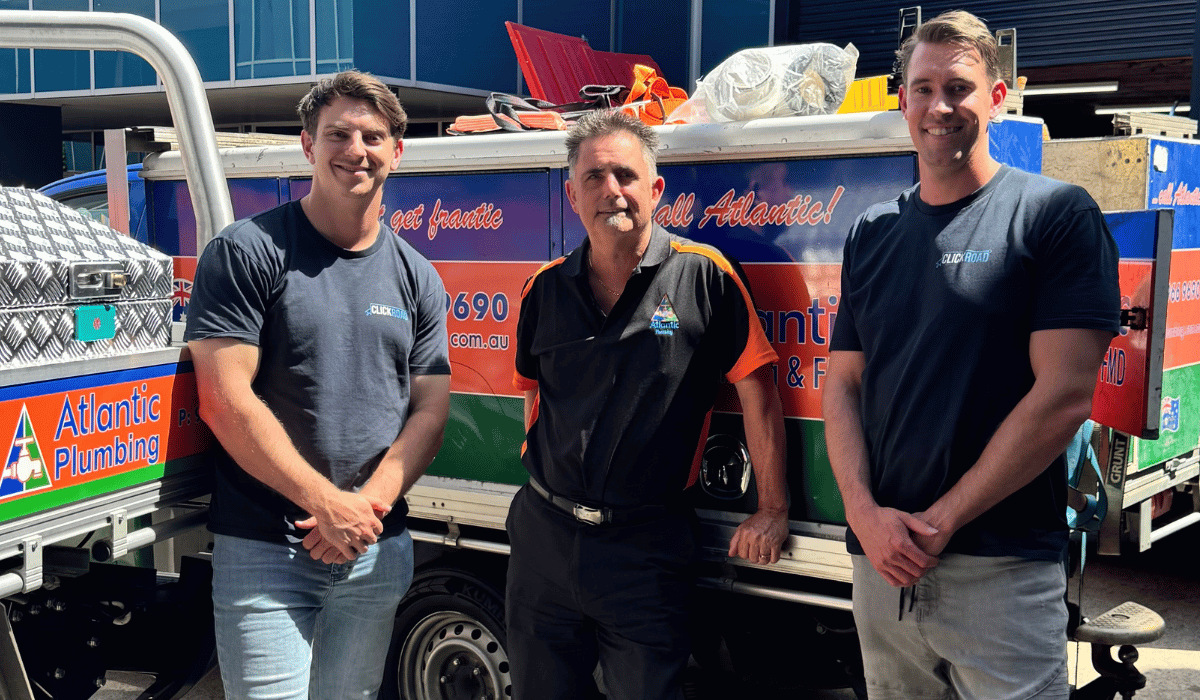
Click Road worked with AroFlo and built a custom API workflow using Zapier for Atlantic Plumbing. The project connects job creation, tasks, file uploads, information transfer, notifications and job-data updates.
The work addressed processes that were not covered by a simple native integration. It shows how a defined API workflow can extend an existing job-management platform without replacing the core system.
Visit Atlantic Plumbing or read the full Click Road case study.
Discuss a Similar Workflow →Review how work arrives, which people use the information and where manual steps occur.
Confirm required fields, available integrations, permissions and the boundaries of the first workflow.
Configure the agreed workflow and check representative jobs, missing information and exception handling.
Document the process, walk your team through it and agree the support needed after launch.
Based in Tuggerah, Click Road helps Australian businesses connect marketing, customer information and operations. We assess your workflow before recommending software changes or an integration.

Tell us about your job system, where information comes from and the manual task you want to improve.